

I’ve been using Claude for investing research for the past year.
Started like everyone else. Ask a question. Get an answer. Copy it into a spreadsheet. Repeat.
It felt useful. It was useful. But I was using maybe 10% of the tool.
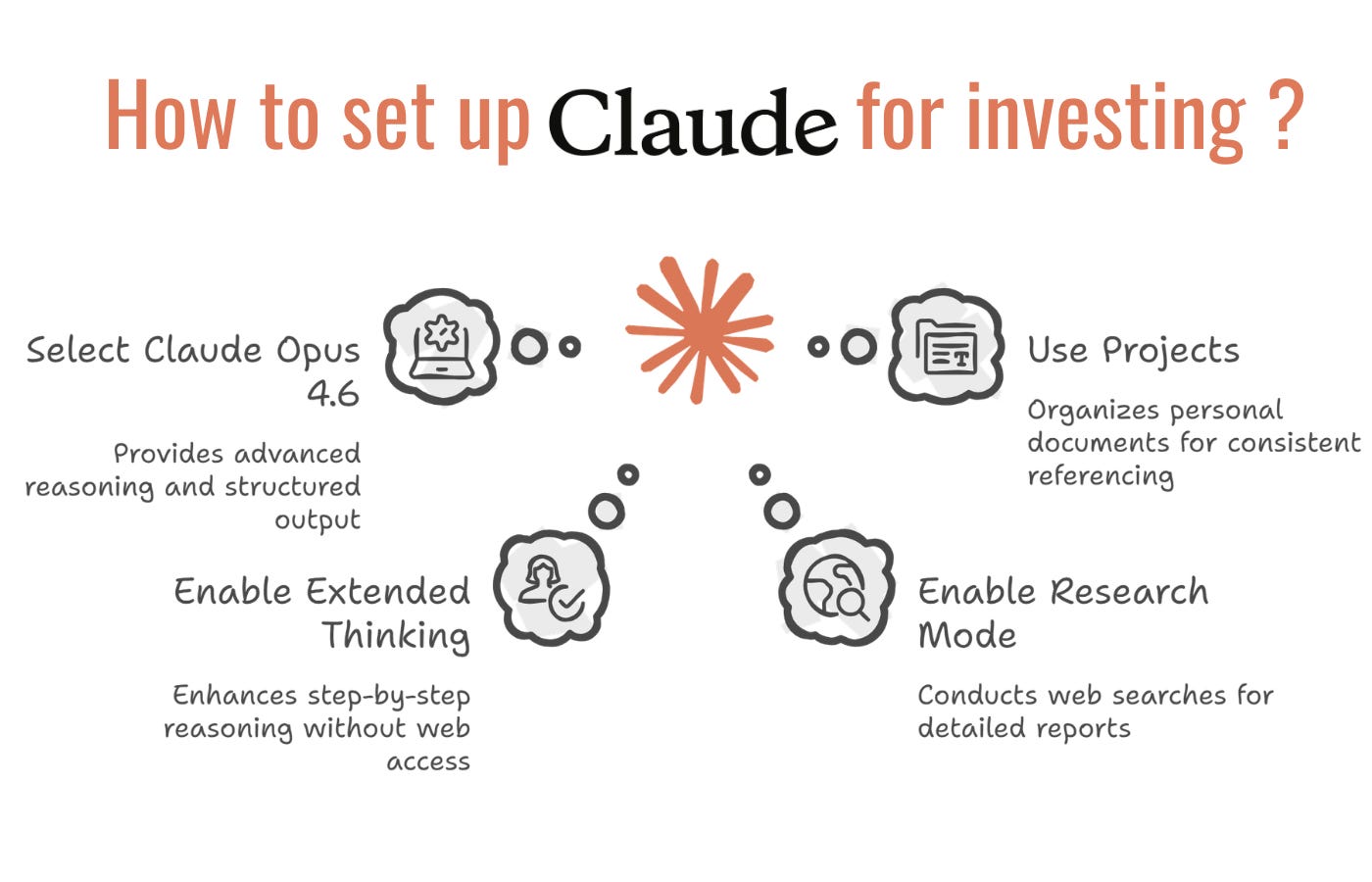
Then I discovered there are 4 distinct levels to Claude. Each one builds on the previous. Most investors stay stuck on level one forever. The few who reach level four have something that looks like a junior analyst who already knows their investment framework, their portfolio, and their preferences.
Here’s the progression:
Level 1: Research.
Claude searches the web and generates structured overviews. You ask about a company, it reads hundreds of sources, gives you a 15-page report. Good for initial screens. Good for mapping an industry you’re new to. Good for getting up to speed fast.
Level 2: Projects.
This is where it gets interesting. You upload your actual documents. The 10-K. The earnings transcripts. The investor presentation. Your own notes. And Claude grounds every single answer in those specific sources. It quotes your documents. It cites page numbers. It stops making things up because it’s locked to your files.
Level 3: Skills.
You build a reusable workflow once. An earnings review framework. A valuation screen. A red flag checklist. Then you run it on any company with a trigger word. “Run earnings on Datadog.” Claude follows your exact process every time. Consistent output. No rewriting the same prompt every quarter.
Level 4: Cowork.
This is the one that changed everything for me. You give Claude direct access to a folder on your computer. It reads files. Edits them. Creates new ones. Autonomously. You say “update my thesis doc based on this new 10-K” and it actually does it. The file changes. Your notes get updated. It’s not a conversation anymore. It’s an agent working on your actual research.
The jump from level 1 to level 4 took me three months. I made every mistake. Wrong folder structures. Prompts that produced garbage. Skills that broke on edge cases. System instructions that let Claude hallucinate instead of admitting it didn’t know.
This guide compresses all of that into one article.
The exact prompts that work. The system instructions that force Claude to cite your documents. Five ready-to-use skills for earnings reviews, valuation screens, thesis updates, red flag scans, and catalyst tracking. The folder structure that makes Cowork sustainable. The weekly workflow I actually use now.
We’ve prepared the complete setup for all 4 levels. Every prompt. Every template. Every configuration.
Premium subscribers get immediate access to this guide plus our full library of Claude resources:
→ Which jobs AI is actually replacing (Anthropic’s data analyzed)
→ Claude Opus 4.6 explained
→ How serious builders co-work with Claude
→ The Cowork setup that actually works
→ 10 Cowork workflows
→ Every way to make slides with Claude in 2026
→ Claude in Excel: 30 prompts to audit any financial model
→ The tool that triggered a $285B software selloff
→ Claude doing SEO like a $10K/month agency
Free trial available. Cancel anytime.
Here’s the complete setup 💰