

I’ve explained my writing style to Claude probably 400 times.
Same audience. Same tone. Same list of things I never want it to say. Every new conversation, from zero.
Three months ago I built a Brand Voice Skill. 25 minutes. Haven’t explained my style once since.
That’s the entire pitch.
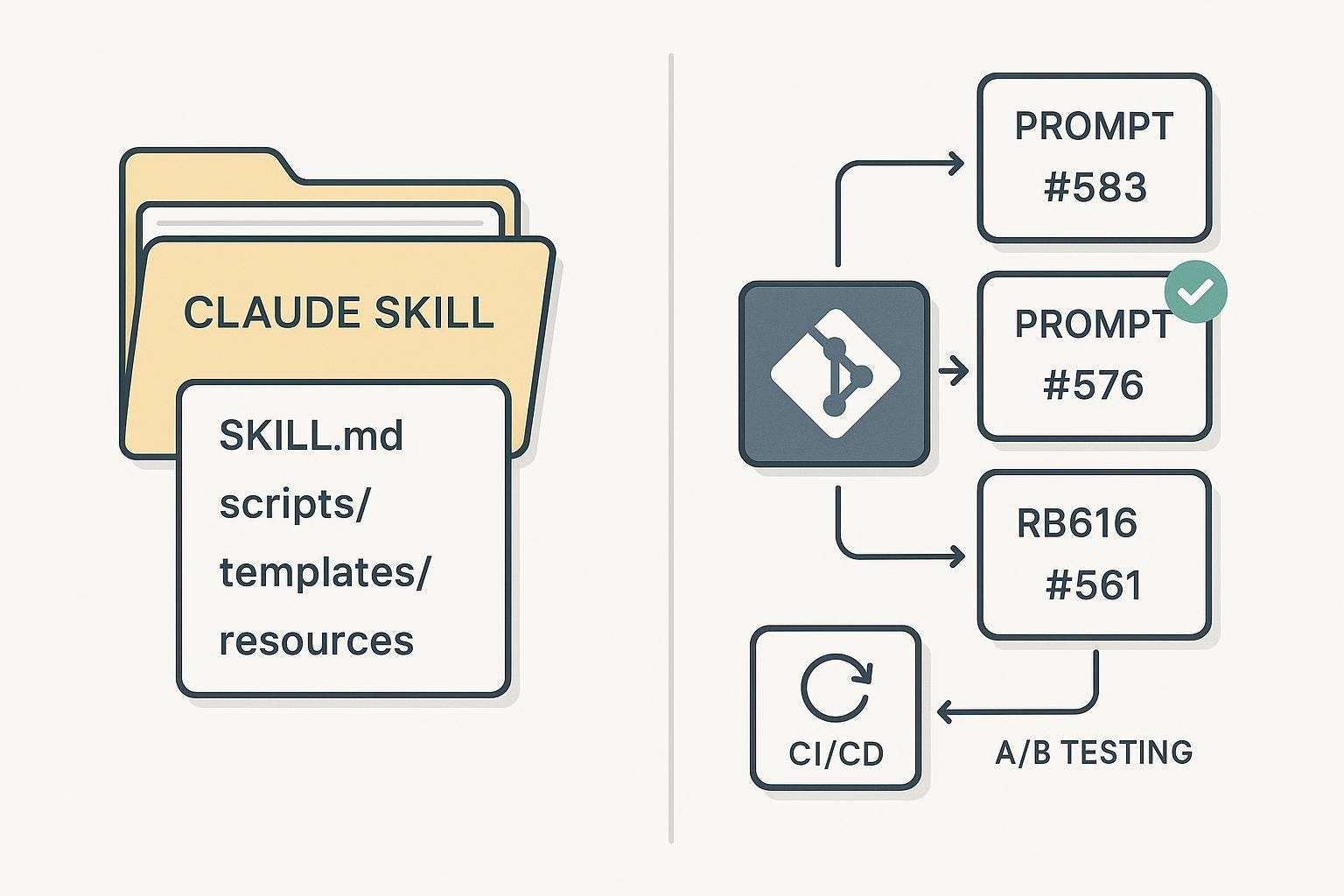
A Skill is a folder of instructions that teaches Claude how to complete specific tasks repeatably. You build it once. Claude follows it every time. No re-explaining, no re-prompting, no copy-pasting context into every new chat.
“One strong Skill is worth a hundred perfect prompts. The prompt works once. The Skill works forever.”
What changed in March 2026
Before Skills 2.0, there was no good way to test whether a Skill was actually doing its job. You’d build one, try it a few times, decide it seemed fine, and move on. If something broke after a model update, you often wouldn’t find out until a deliverable came out wrong.
Three things shipped in the March update:
Evals — Claude runs your Skill twice on the same prompts: once loaded, once without. Both outputs get scored against criteria you define. You see exactly where it works and where it breaks.
A/B testing — A separate Claude instance reviews both outputs without knowing which is which, picks a winner, and explains why. Eliminates subjective bias entirely.
Trigger optimization — An automated process that rewrites and tests different versions of your Skill’s description until it finds one that triggers reliably.
The numbers tell the story:
No testing → 45% success rate
Manual testing (5 cases) → 67%
Structured evals (10+ cases) → 89%
Evals + A/B testing → 94%
The gap between 45% and 94% is one hour of setup.
Two types of Skills worth knowing
Capability uplift. Claude can’t do something well by default. You build a Skill to bridge the gap. Risk: as models improve, the Skill becomes redundant. Run evals after every major model update.
Workflow and preference. Claude can do the task but not the way you want it. Your voice, your format, your standards. These Skills are nearly permanent because your preferences don’t change when the model does.
Most Skills worth building fall into the second category.
What’s inside this issue
This is the full production playbook. Everything I’ve learned building and running Skills across every workflow in my company for three months.
Here’s exactly what you get:
6 complete, copy-paste Skill templates — Brand Voice, Research, Editor, Financial Audit, Content Pipeline, and Outreach. Production-ready. Paste your context, upload, done.
The complete do’s and don’ts — 15 specific rules from three months of daily use. Every mistake I made so you don’t have to.
The 10-minute Skill audit protocol — step-by-step checklist to find and fix every broken Skill in your setup, including trigger failures, output drift, and model regression.
The autoresearch integration — how to combine the Karpathy loop with Skills so they improve themselves overnight. My landing page Skill went from 56% to 92% with zero manual work.
The Skill changelog template — the document format I use to track every change, so future models pick up exactly where the last one left off.
The reverse-build prompt — the single prompt that extracts better context from you than you’d ever provide on your own.
This issue alone is worth the subscription.
But you also get immediate access to every issue ever published in The AI Corner — 60+ guides on Claude workflows, AI agents, prompt engineering, and more. All of it, immediately.
Cancel anytime. First subscribers get 50% off forever.
How to build your first Skill in 30 minutes
Step 1: Enable Skill-Creator
Settings → Customize → Skills → enable Skill-Creator. This is Anthropic’s own Skill that builds other Skills. Use it every time.