

Scroll any tech feed this month and the same promise loops on repeat.
Agents that run your business overnight. Digital staff working while you sleep.

Thousands of breathless threads, and almost none written by anyone who has shipped one.
The reality is smaller and far more useful. An agent needs zero engineers and zero terminal. One task you keep doing by hand, a set of clear instructions, one afternoon. Anyone with a paid Claude account can have their first running before dinner.
And here is the part almost everyone gets backwards: the instructions are the whole build. The quality of your agent is the quality of what you say to it, which makes how fast you can say it the first tool choice you make.
Together with Wispr Flow:
Wispr Flow is the voice-to-text tool I use to brief every agent in this article. You talk the way you think, and it lands as clean, formatted text, ready to run:

▫️ Speak your agent brief into Claude in 40 seconds instead of typing it for 3 minutes, with all the context you would normally cut for your fingers’ sake
▫️ Handles mid-sentence corrections (”check it hourly, wait, make that daily”), filler words, and technical jargon
▫️ Works in Claude, Gmail, Slack, Cursor, everywhere you type, on Mac, Windows, iPhone, and Android, with zero setup
▫️ Built-in dictation captures your mistakes. Wispr Flow cleans them up.
Table of Contents
1. The word scares people more than the work does
2. Agent One: The Workflow
3. Agent Two: The Operator
4. Agent Three: The Standing Order
5. The discipline that separates working agents from broken ones
6. The tasks you should never automate
7. What ignoring this quietly costs you
1. The word scares people more than the work does
Agent is intimidating language for a plain idea. It hints at autonomous software, something engineered rather than described.
Strip the word away and what remains is ordinary.
When you use Claude by hand, you sit inside a loop.
You ask for research, read it, decide the next move, ask again, check the result, then feed it the step after that.
You are the connective tissue between every stage.
An agent is what appears once you pull yourself out of part of that loop. The model gained nothing. You simply stopped standing in the middle of your own process.

What the manual loop actually looks like
Take any task you run through Claude across several messages. Researching a topic, turning it into an outline, drafting the piece, then cleaning up the formatting.
Four stages. Each one waits for you to read the last output, approve it and type the next instruction.
Nothing in that sequence calls for your judgment between steps. It only calls for your presence.
And presence is the bottleneck. Reading, approving and relaying are real tasks even when each takes seconds.
Run a four-stage process twenty times a month and the relaying alone eats hours.
The output was never the slow part. The hand-off between steps was.
Your GTM, run by agents

Carles Reina joined ElevenLabs as employee #4 and built its go-to-market toward $500M in revenue.
Where the automation really lives
Automation here has nothing to do with a feature you switch on.
It lives in how clearly you can describe a sequence and how willing you are to let it run without checking in.
Tell Claude to research, then outline, then draft, then format and to do all four in one pass without pausing for approval and you have crossed from chatbot to agent.
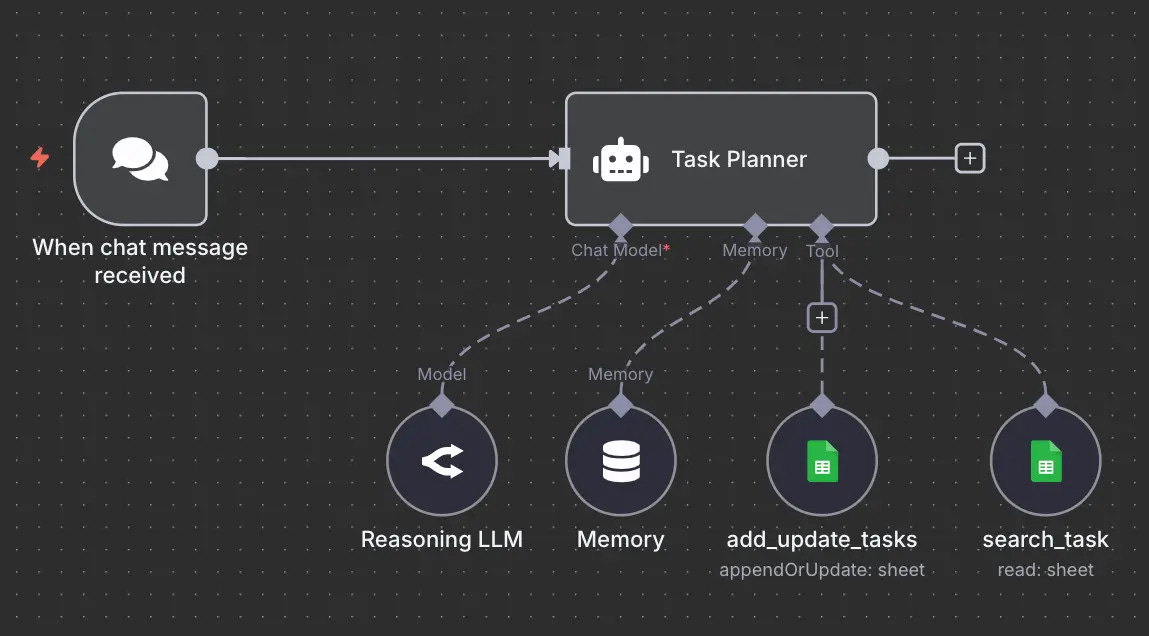
The instruction that does this is almost embarrassingly plain. Run the whole chain. Do not stop to ask.
That one sentence is the entire trick behind the first agent worth building.
2. Agent One: The Workflow
The first agent removes you from the steps while keeping you in the chat.
You still press go. You still read the final result. What disappears is the tedious relay in between.
This is the gateway build and most people skip it because it looks too modest to count. It counts more than the flashy ones.

How a Project turns into an agent
A Workflow lives inside a Claude Project, a reusable space holding two things: a set of standing instructions and any reference files you upload.
The agent behavior comes entirely from the instructions.
Describe a single task and you get a chatbot. Describe an ordered sequence, then tell Claude not to halt between stages and you get a Workflow.
Because the instructions persist, you write them once. Every future conversation inside that Project inherits them.
Your input drops to a few words. The output arrives close to finished.
You move from operator to editor, which is a far better seat to sit in.
A Workflow worth building this week
A practical one to start with takes a rough idea and returns a finished short post. The instructions might read like this:
When given a topic, find the single sharpest angle, the thing most people get wrong.
Write a 150-word post in plain language, one idea per line, no corporate voice.
Add three alternative opening lines.
Flag any claim that needs a source.
Deliver it in one pass. Make confident choices and note assumptions instead of asking questions first.
Build that once and a three-word prompt returns a near-publishable draft.
The boundary is worth stating plainly. A Workflow only knows what sits in the chat and what it can pull from the web.
It cannot reach into your computer. It produces words, not actions on your files.
For a first agent, that limit is a gift, because the worst failure it can cause is a weak draft you regenerate.

3. Agent Two: The Operator
The second agent removes you from the files.
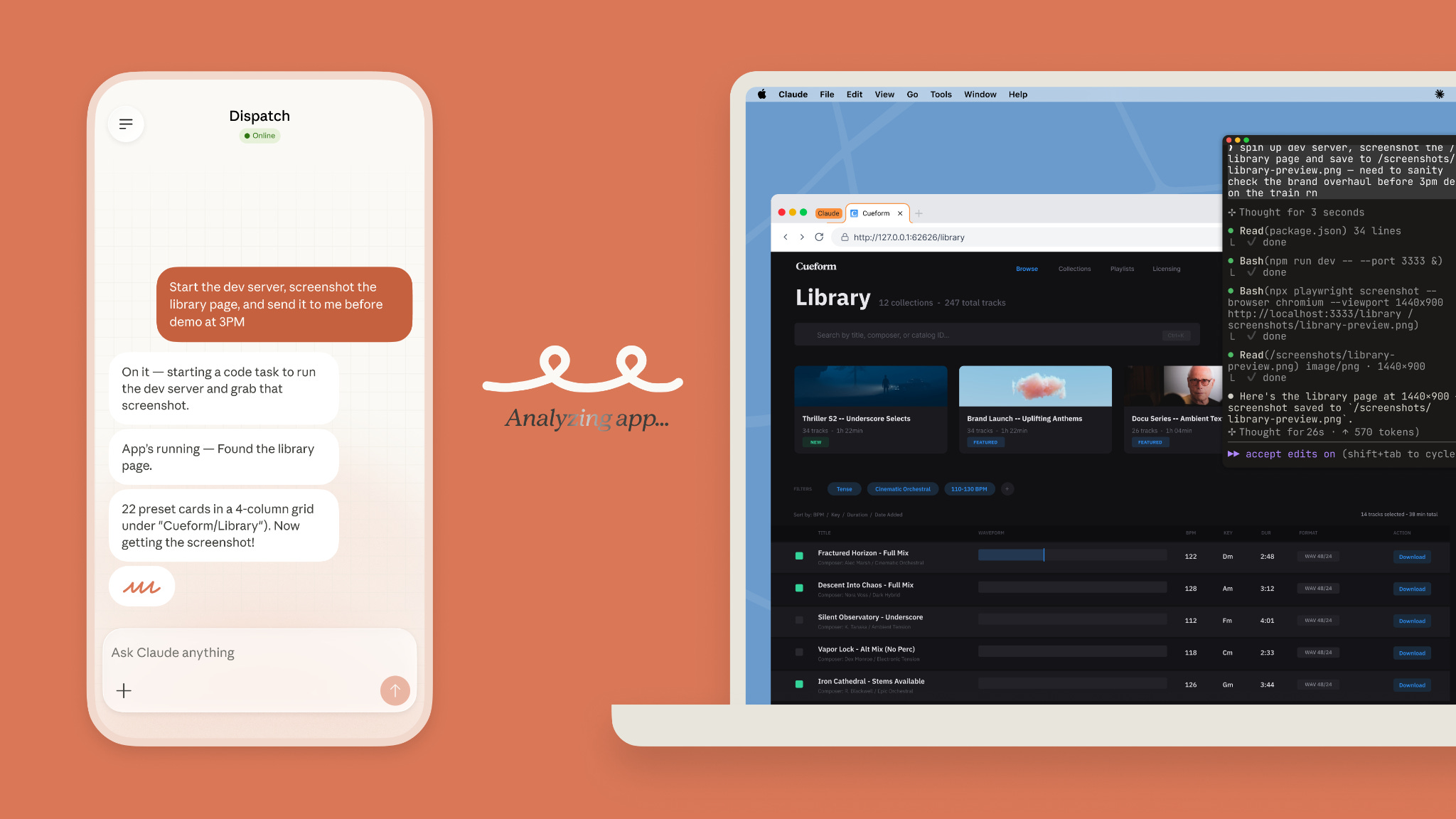
Here Claude leaves the chat box and reaches into your actual computer, which is the moment the work starts saving real hours.
It runs inside Cowork, a mode in the Claude desktop app for Mac and Windows. No web version of it exists and no mobile one either.
What changes when Claude reaches your file system
The defining feature is direct access. Claude reads and writes your local files with no uploading or downloading in between.
It takes a large job, breaks it into smaller pieces, runs them and saves the results where you point it.
For heavier work it can run several sub-tasks at once and coordinate them.
This is what makes “process my entire folder” a real instruction instead of a wish.
Point it at a folder of invoices and ask for one spreadsheet: a row per file, each with the vendor, date, total and category, plus a summary tab of totals by month.
What used to be an afternoon of copy-paste becomes one prompt and the time it takes to refill a coffee.

The costs the headlines leave out
There are three and they decide whether your first run feels smooth or frustrating.
The feature sits behind a paid plan and remains a research preview, so rough edges come with the territory.
It also consumes far more of your usage than ordinary chatting, because a real multi-step job spends a large volume of tokens.
Heavy users reach their limits sooner than expected, which is why batching related work into a single session pays off.
The third cost carries the most weight. An Operator can change and delete real files.
The safeguard built in is that it asks permission before permanently deleting anything.
The discipline you supply is pointing it at a copy, or a single scoped folder, for the first few runs rather than your whole drive. Trust gets earned on small jobs.
4. Agent Three: The Standing Order
The third agent removes you from the trigger.
It is the same Operator, now started by a clock instead of a click.
You write the instructions once, choose how often they run and the task fires on its own.
Each run opens a fresh session with full access to your files and connected tools, then saves the result for you to find later.
How a scheduled task runs
Cadence options cover most needs: hourly, daily, weekly, weekdays only, or on demand.
The familiar build is a morning brief.
Before the workday starts, the task checks your calendar, summarizes each meeting and the prep it calls for, sorts overnight email into reply, read later and ignore, drafts the replies for the first group and saves the whole thing to a dated file in a folder you choose.
You open your laptop and the brief is already waiting. No prompt typed, no buttons pressed.

For anything you truly repeat on a fixed rhythm, this is the payoff stage.
The “runs while you sleep” claim is mostly false
Here is the line every viral tutorial skips.
A scheduled task in Cowork only fires while your computer is awake and the desktop app is open.
Shut your laptop at midnight and the 7am task does not run on some server in the cloud.
It gets skipped, then runs the next time you wake the machine and open the app.
So the accurate promise is narrower than the marketing.
The repetitive task runs itself while your computer is on, instead of you kicking it off by hand each morning. Still useful. Simply true.
Anyone who needs execution that ignores whether their laptop is open is looking at a different, developer-facing tool that runs on Anthropic’s own infrastructure and that is a separate decision for a more technical reader.
5. The discipline that separates working agents from broken ones
One rule sits underneath every agent that behaves and every agent that embarrasses its owner.
Promote upward. Never begin at the top of the ladder.
Each agent should graduate through the loop instead of starting at the end of it.
Build it by hand before you give it a clock
The order is simple and almost nobody follows it.
Run the task by hand in a normal chat until you trust what comes back.
Freeze that working prompt into a Workflow so you stop redoing the steps.
If it touches your files, lift it into an Operator.
Only when that runs cleanly do you hand it a clock and make it a Standing Order.
Most misbehaving agents come from automating a process that was never right by hand in the first place.
You cannot schedule reliability you do not yet have.
Get it working while you watch, then remove yourself one layer at a time.
And when an output disappoints, resist fixing it manually. Turn the fix into a permanent rule instead.
“Too long” becomes “keep every summary under 100 words.” Ten corrections later the agent is sharp and the corrections compound.

6. The tasks you should never automate
Knowing what to leave alone is part of the skill.
Keep agents away from judgment that carries real consequences.
Anything that sends money, makes a legal or medical call, or speaks to people in your name before you have read it. Draft, yes. Send, no.
Leave novelty alone too.
A task you run twice a year costs more to set up and maintain than it ever saves, because agents pay off on repetition, not rarity.
And never automate work you cannot check.
With no way to tell whether the output is right, you have built a machine that produces confident mistakes at speed.
A good agent pulls you out of work you understand. A bad one pulls you out of work you needed to be watching.

7. What ignoring this quietly costs you
The split forming right now runs between people who build these and people who keep reading about them.
Both groups sound equally fluent at a dinner table. Only one group is deleting tasks from its week.
That difference compounds in a direction that is hard to reverse.
Each agent someone builds teaches a pattern they reuse on the next one. Their instructions sharpen. Their workflows tighten.
Six months in, they are not working faster than the people still doing everything by hand.
They are working on entirely different things, because the repetitive layer of their job disappeared while everyone else was forwarding threads about how powerful agents are.

The smallest version of this is one task, done once in a chat, frozen into a Project. That is the whole on-ramp.
The people who take it stop being an audience for this technology and start compounding on it.
Everyone else stays current by reading, which has never once moved a single task off anyone’s plate.
Agreed - the first agent should replace a task you already do weekly, not a task you wish existed.
built a standing-order agent exactly like the third one described here and it was brilliant for about four days — then it started confidently routing things to the wrong place because my workflow had shifted and the agent was still operating on last week's instructions. the real discipline isn't building one, it's maintaining the brief as a living document. most people skip that part until the agent breaks silently